;)
;)


Nov 18, 2026
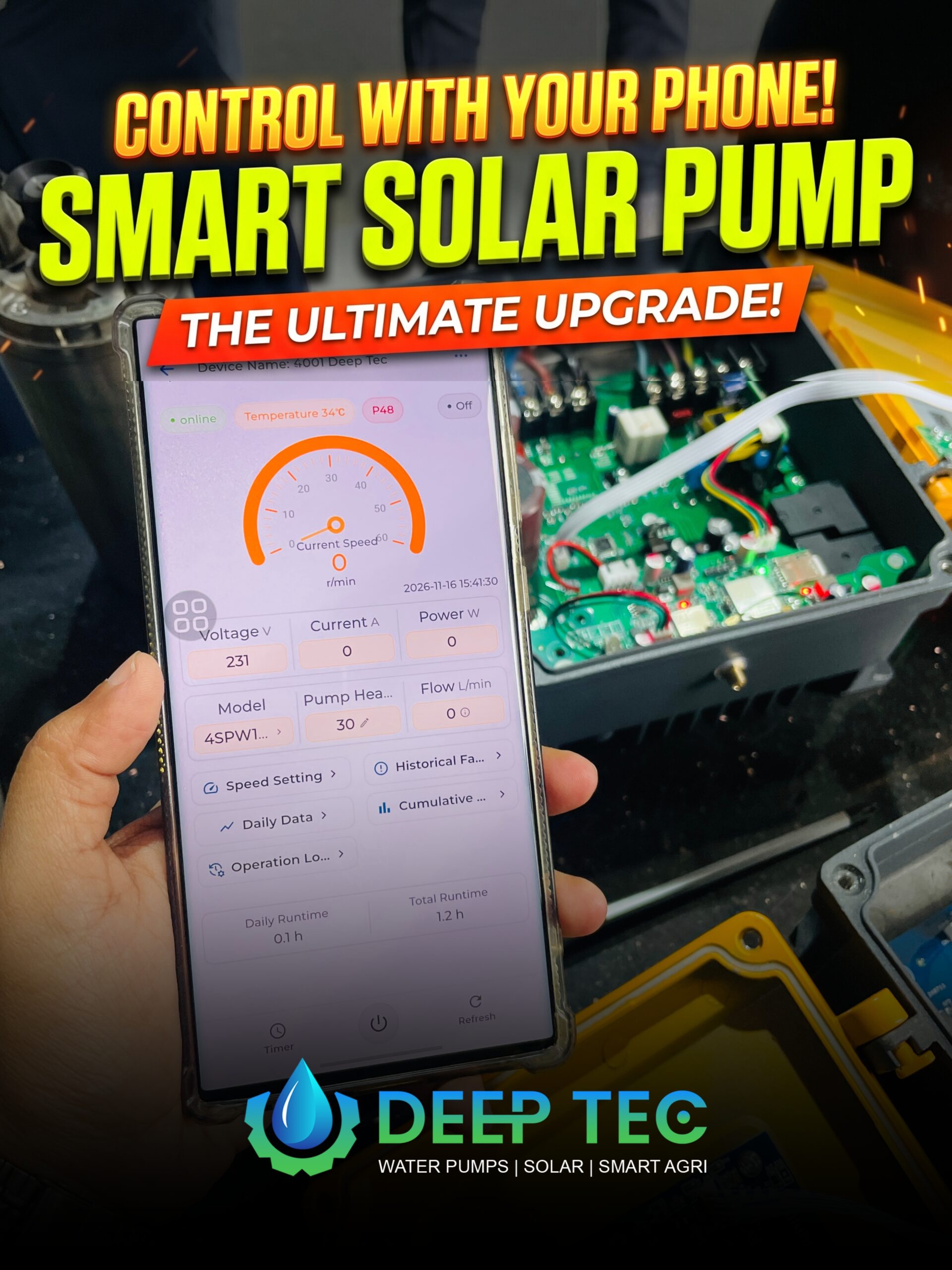
Control, schedule and monitor your solar water pump from your smartphone.
Deep Tec’s smart solar water pump upgrade lets farmers in Sri Lanka start, stop and schedule irrigation from their smartphones. When the pump controller is online, they can also adjust pump speed and check the displayed water flow rate without travelling to the pump site.
Deep Tec’s smart solar water pump upgrade puts remote control, scheduling and performance monitoring into one app. For Sri Lanka’s agriculture sector, that’s a meaningful shift. The people managing irrigation can see what their pumps are doing throughout the day and use that information to plan the next pumping cycle.
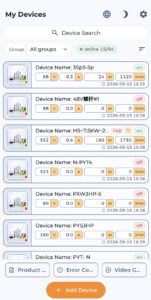
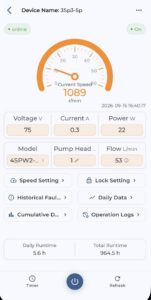
Select your connected pump in the app to check its status and switch it ON or OFF remotely. If you’re filling a storage tank or running an irrigation cycle, you can control the pump without making a separate trip to the controller.
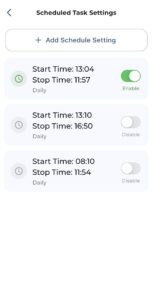
The Timer feature lets you set pumping schedules around your farm’s routine. For example, you can schedule the pump to fill a storage tank during the day, ready for irrigation later. On a solar-only setup, actual pumping during that window depends on the sunlight available.
The dashboard shows the current pump speed in RPM. Through Speed Setting, you can adjust the speed within the range supported by your system.
That gives operators more flexibility when water requirements change. After adjusting the speed, you can check the actual RPM and the displayed flow rate on the same dashboard to see how the pump responds. If the controller is offline, check the timestamp to see when the figures were last updated.
The app’s Daily Data section provides a separate line chart for each of six operating readings:
| Daily chart | What you can review |
|---|---|
| Power (W) | How the reported power level changed during the day |
| Voltage (V) | Changes in voltage over time |
| Current (A) | Changes in electrical current during operation |
| Water flow rate (L/min) | When the displayed flow rate rose, dropped or stopped |
| Pump speed (RPM) | How the pump’s operating speed changed |
| Temperature (°C) | How the reported temperature varied throughout the day |
If the displayed water flow dropped in the afternoon, for example, you can look at the speed and power charts for the same period. That gives you a clearer account of what happened and more specific information to share with the service team if the issue recurs.
The Cumulative Data view shows totals for the selected day, month or year. You can review:
The flow rate tells you how many litres per minute the app is reporting at a given time. The cumulative water total shows how much water the app recorded over the selected period. That makes it possible to answer a practical question like “How much water did we pump this month, and how long did the pump run?”
The app also provides an operation log and fault history. If a pump stops unexpectedly, operators can check the available records and share them with a Deep Tec technician.
Deep Tec is a leading solar water pump company in Sri Lanka, with experience across more than 10,000 solar water pumping projects. Its portfolio includes systems for coconut cultivation in Chilaw, agricultural operations at Walpita Farm and solar pumping projects in Puttalam District. Deep Tec was also awarded a UNDP contract to supply and install off-grid solar water pumps in Sri Lanka.
That field experience gives Deep Tec a clear view of what farmers need after a pump is installed. The upgrade puts those needs into one app.
A farm operator can schedule a pumping window, check how the pump performed that day and use the monthly water and runtime totals to plan the next irrigation cycle. That’s what makes smartphone control a practical step forward for solar irrigation in Sri Lanka.
Yes. With the smart solar water pump upgrade, you can send start and stop commands from your phone when it has internet access and the pump controller is online. After sending a command, check the pump status in the app. If the controller is offline, check the timestamp before relying on the displayed readings.
Yes. Use the Timer feature to schedule a pumping window for tank filling. For a solar-only installation, choose a time when sunlight is usually available. You can then review the daily runtime and reported water flow to see how the pump performed and decide whether the next schedule needs adjusting.
The flow rate shows how many litres per minute the app is reporting at a given moment. The cumulative water total shows the volume recorded over a selected day, month or year. Use the flow rate when checking current performance and the cumulative total when reviewing water delivery over a longer period.
Yes. Speed Setting lets you change the pump speed within the range supported by your system. After making an adjustment, check the actual RPM and displayed flow rate on the dashboard. You can also review the daily speed and flow charts to see how those readings changed over time.
Send your pump model, controller model or a clear photo of the controller label, and the installation location. It also helps to tell us whether you use the pump for direct irrigation or tank filling. With those details, our team can check whether the smart solar water pump upgrade is suitable for your site.
Send Deep Tec your pump model, controller model or a photo of its label, and site location. Our team can check compatibility and advise on the options for your installation.


